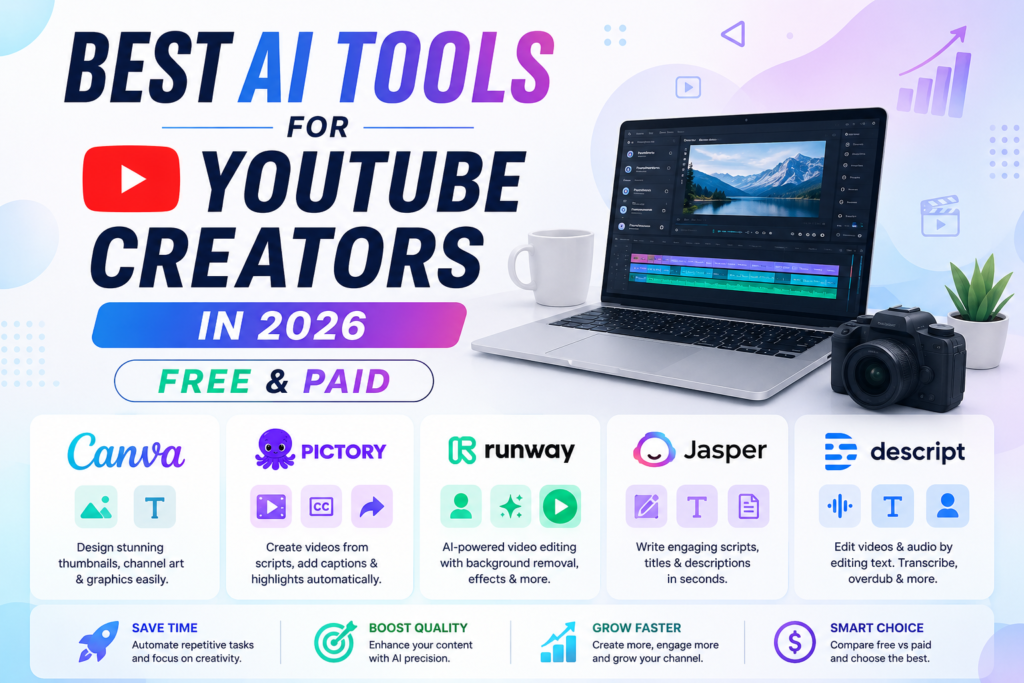
Best AI Tools for YouTube Creators: Free vs. Paid Solutions to Elevate Your Channel
YouTube content creation demands creativity, consistency, and technical skill. With the rise of AI technology, creators now have access to powerful tools that streamline production, enhance quality, and boost engagement. Whether you’re just starting out or looking to scale your channel, AI tools can help you save time and produce professional content.
In this post, we present the best AI tools for YouTube creators, along with a helpful comparison between free and paid options. This way, you can choose the right tools based on your needs and budget.
Many YouTube creators now use AI tools to edit videos, create thumbnails, write scripts, and grow their channels faster.
Why Use AI Tools for YouTube Creation?
AI technology simplifies complex tasks such as video editing, scriptwriting, captioning, and thumbnail design. By automating these processes, you can focus more on storytelling and connecting with your audience. Plus, AI tools often bring features like transcription, highlight extraction, and SEO-optimized titles that improve your content’s reach and accessibility.
Top AI Tools for YouTube Creators
Here are some standout AI tools that every creator should consider:
- Canva Pro: Easy graphic design and thumbnail creation with AI-enhanced features.
- Pictory: Automatic video summarization, caption generation, and highlight clips.
- Runway ML: AI-powered video editing tools including background removal and motion tracking.
- Jasper.ai: AI writing assistant for scripts, titles, and descriptions.
- Descript: Audio and video editor with transcription and overdubbing.
Free vs. Paid AI Tools: What’s Best for You?
To help you decide, here’s a detailed comparison of popular AI tools available in both free and paid versions. This table breaks down key features, limitations, and pricing to match your YouTube creator needs.
| Tool | Free Version Features | Paid Version Features & Pricing | Best For |
|---|---|---|---|
| Canva | Limited templates, basic design tools | Pro: $12.99/month; unlimited templates, AI image generation | Custom thumbnails, channel art |
| Pictory | Free trial with watermark on videos | From $19/month; no watermark, longer video length, captions | Video editing, highlights |
| Runway ML | Free tier with limited exports and features | Paid plans starting at $15/month; full access to AI effects | Advanced video editing |
| Jasper.ai | 5-day free trial; limited word count | Plans from $49/month; unlimited AI writing, SEO tools | Scriptwriting, copywriting |
| Descript | Free basic editing, 3 hours transcription | Paid plans from $12/month; unlimited transcription, overdub | Audio/video editing, podcasting |
How to Choose the Right AI Tool for Your Channel
- Start with Free Trials: Test features and usability before committing to subscriptions.
- Identify Your Priorities: Are you focused on video editing, scripting, or graphic design? Pick tools that address your biggest bottlenecks.
- Consider Scale: If you plan frequent uploads, investing in paid features like longer video exports and better support can pay off.
- Ease of Use: Some tools require steeper learning curves; prioritize user-friendly platforms to maintain workflow efficiency.
Frequently Asked Questions (FAQ)
Q1: Are AI tools difficult to learn for beginners?
Most AI tools are designed with user-friendly interfaces and tutorials to help beginners get started quickly. Many also offer free trials so you can test without commitment.
Q2: Can I rely solely on free AI tools to grow my YouTube channel?
Free tools are great for getting started and learning the basics. However, paid versions usually provide advanced features, longer usage limits, and better support, which are beneficial as your channel grows.
Q3: Will AI tools reduce the uniqueness of my content?
AI tools are designed to assist and enhance your creativity, not replace it. Use them as a foundation and add your personal style and ideas to keep your content unique.
Q4: Do AI tools help with YouTube SEO?
Yes, some AI tools like Jasper.ai can help generate SEO-friendly titles, descriptions, and tags that improve your video’s discoverability.
Q5: Can AI tools help with video captions and accessibility?
Absolutely. Tools like Descript and Pictory offer automatic transcription and caption generation, making your videos accessible to a wider audience.
Final Thoughts
AI tools are transforming YouTube content creation, making it faster and more accessible than ever before. Whether you opt for free versions or premium plans, integrating AI into your workflow will help you produce higher quality videos and engage your audience more effectively.
Explore the tools above, try their free versions, and invest wisely based on your channel’s growth goals. Your creative journey deserves the best technology to support it!